
EXR Matte Embed
A powerful Python-based tool for batch embedding matte/mask sequences into EXR files with flexible, semantic channel naming.
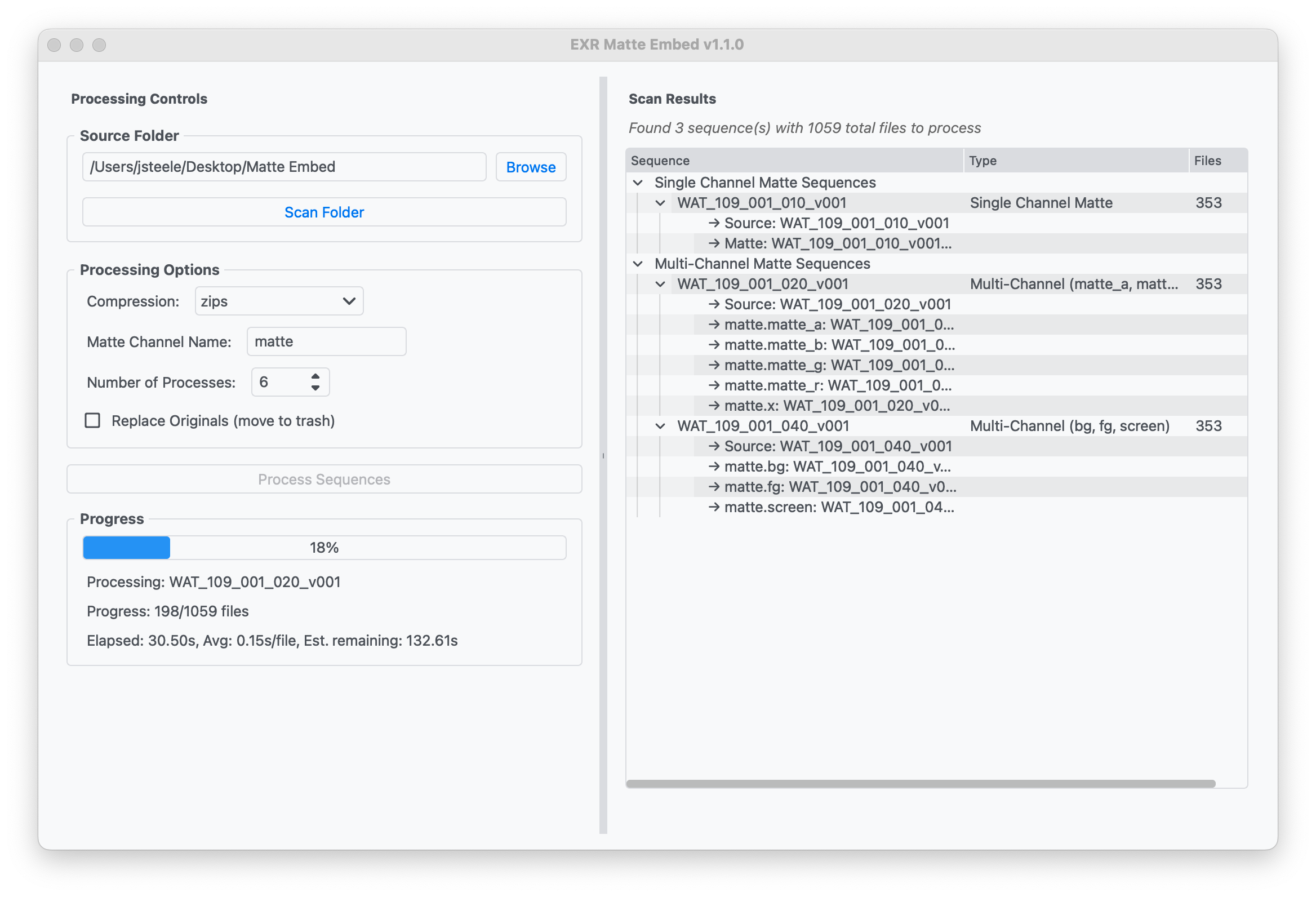
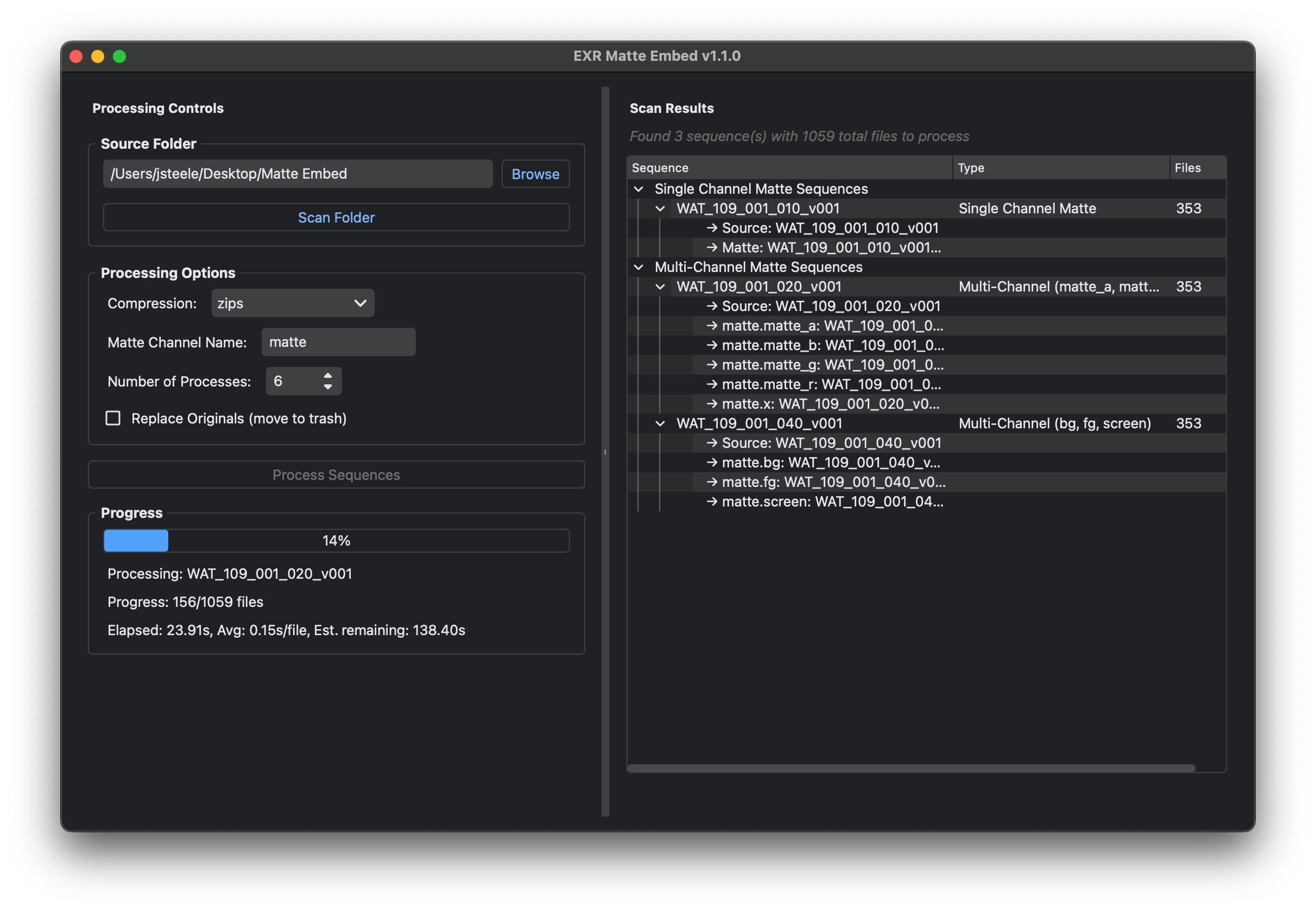
Flexible Matte Detection
Automatically detects unlimited matte channels using semantic naming conventions
Semantic Channel Names
Creates meaningful channel names like matte.screen, matte.fg, matte.hero
Batch Processing
Process entire sequences of EXR files efficiently with multi-threaded performance
Smart Conflict Resolution
Automatically handles naming conflicts with standard EXR channels
Configurable Settings
Customizable compression, naming, and processing options
Cross-platform
Works on Windows and macOS with both GUI and CLI versions
How It Works
Organize Your Files
Structure your folders with base EXR sequences and corresponding matte sequences using the _matte naming convention
Scan & Preview
The tool automatically detects your sequences and shows you exactly what channels will be created
Process & Embed
Batch process all sequences to create new EXR files with embedded matte channels
Single Matte Channel
Result: Creates matte channel
Multi-Channel Mattes
Result: Creates channels matte.screen, matte.fg, matte.bg, matte.hero
Download EXR Matte Embed
Choose between the full-featured GUI application or the lightweight CLI version
Latest Version
v1.0.0
Released Unknown
GUI Application
Full-featured desktop application with intuitive interface, real-time preview, and progress tracking.
CLI Version
Lightweight command-line interface perfect for automation, scripting, and server environments.
CLI version available in latest release
System Requirements
Windows
- • Windows 10/11 (64-bit)
- • 50MB disk space
- • No additional dependencies
macOS
- • macOS 11+ (Big Sur)
- • Intel or Apple Silicon
- • 50MB disk space