
After Effects Stream Deck
Trigger After Effects scripts and menu commands from your Stream Deck with a single press. Includes a curated set of scripts and custom button artwork built for a professional motion graphics workflow.
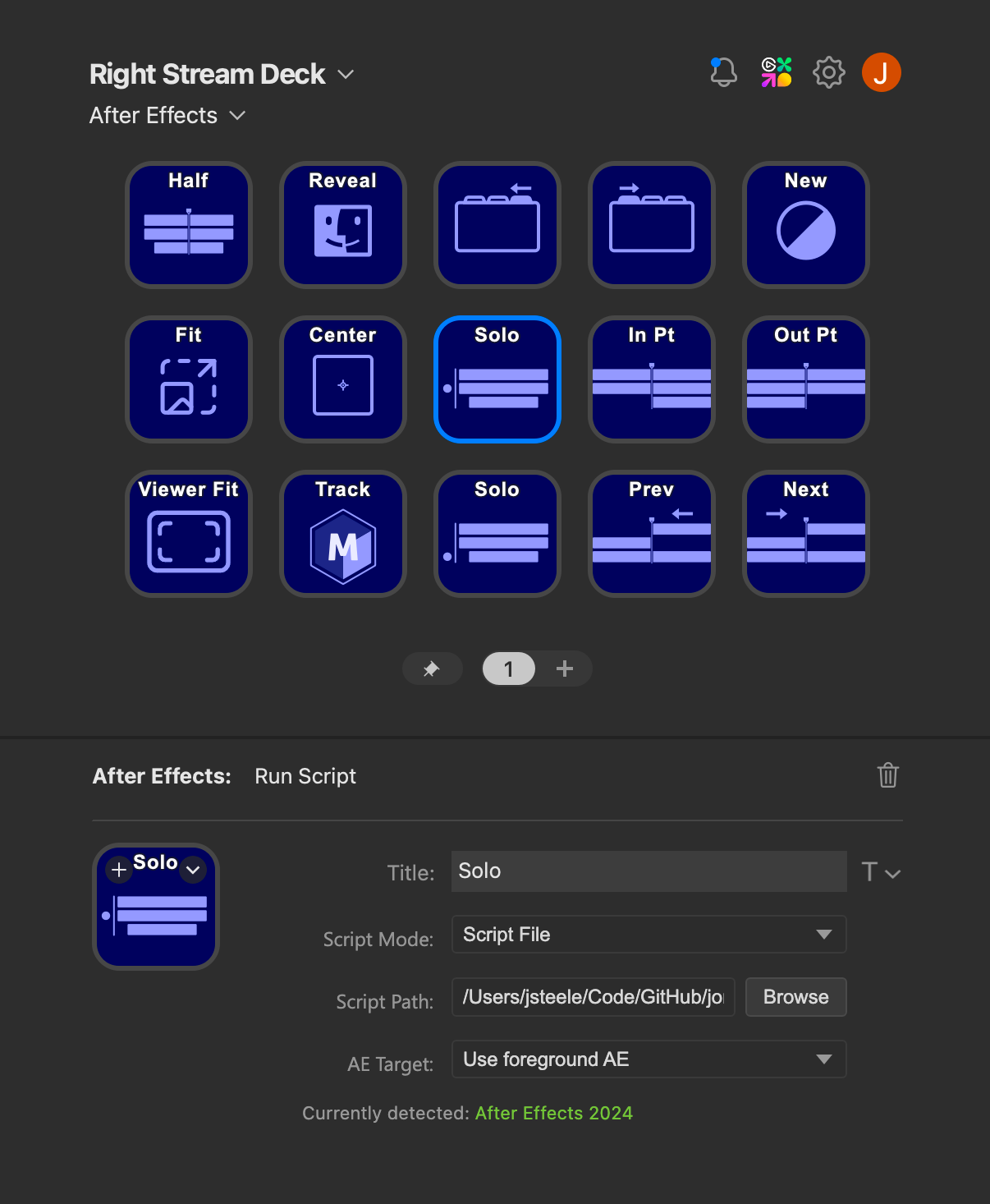
Two Powerful Actions
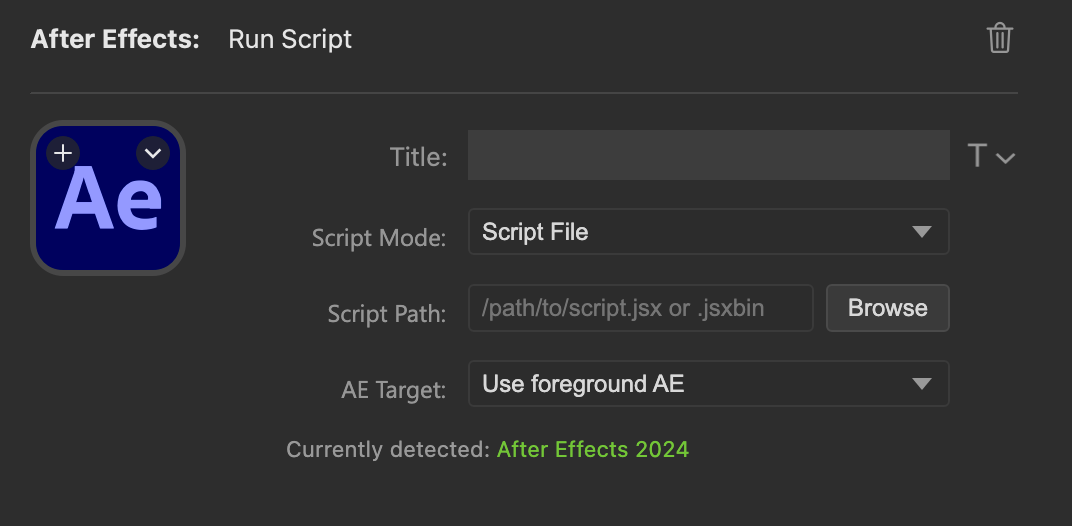
Run Script
Execute .jsx or .jsxbin files, or write inline ExtendScript directly in the property inspector. Point to an external file or write quick one-liners — whatever fits the task.
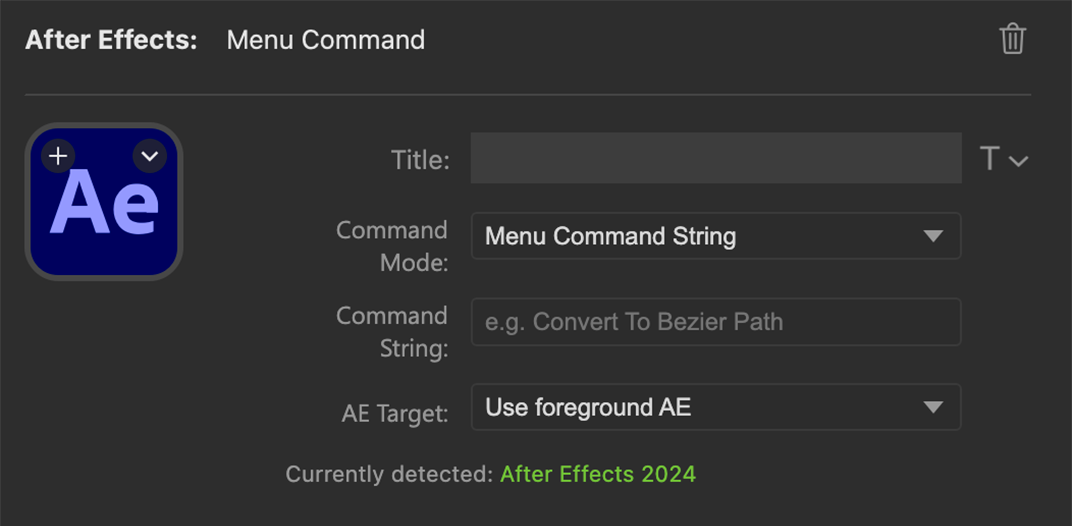
Menu Command
Trigger any After Effects menu item by its exact text string or numeric command ID. The plugin validates menu strings against the actual menu structure before execution.
Multi-Version Targeting
Target the foreground app, the newest running instance, or pin to a specific installed After Effects version.
Visual Feedback
Buttons flash amber during execution, green on success, and red on error. Status holds for two seconds before resetting.
One-Click Install
Download the .streamDeckPlugin release file, double-click it, and you're set.
Included Scripts
11 ready-to-use actions with custom Stream Deck button artwork. Fork the repo to build your own.
Jump To In
Move the playhead to a saved frame offset from the start of the active comp.
Shift sets the saved frame count
Jump To Out
Move the playhead to a saved frame offset from the end of the active comp.
Shift sets the saved frame count
Fit
Cycles selected layers through fit width, fit height, fit comp, and 100%. The cycle is stateless and inferred from the current scale.
Half Duration
Move the playhead to the midpoint of the active comp, or the first selected comp in the Project panel.
Center Anchor Point
Center the anchor point of selected layers while keeping them visually in place.
Shuttle Left
Move the playhead to the nearest layer cut to the left.
Shuttle Right
Move the playhead to the nearest layer cut to the right.
Solo Ref
Toggle solo for the bottom reference layer and restore the previous solo state on the next press.
Solo Footage
Toggle solo for the layer above the bottom reference layer, keep guide layers soloed, and restore previous state.
Reveal in Finder
Reveal the selected layer source in Finder when file-backed. Comp sources reveal in the Project panel.
Shift reveals in the Project panel
Track in Mocha
Open the selected layer in Mocha and rename it to Mocha Track.
Shift uses Mocha Pro plugin. Cmd opens Mocha Pro Standalone.
Getting Started
Install the Plugin
Download the latest .streamDeckPlugin release and open it to install
Add Your Actions
Find the After Effects actions in Stream Deck, drag them onto keys, and configure via the property inspector
Import the Profile
Optionally import the bundled .streamDeckProfile for a pre-built layout with all scripts and icons